Certificate sizes
| Sheet | Page | Printed area |
|---|---|---|
| Certificate, landscape (US Letter) | 11 × 8½ in | 10 × 7½ in |
| Certificate, landscape (A4) | 297 × 210 mm | 267 × 180 mm |
How to make certificates from a list
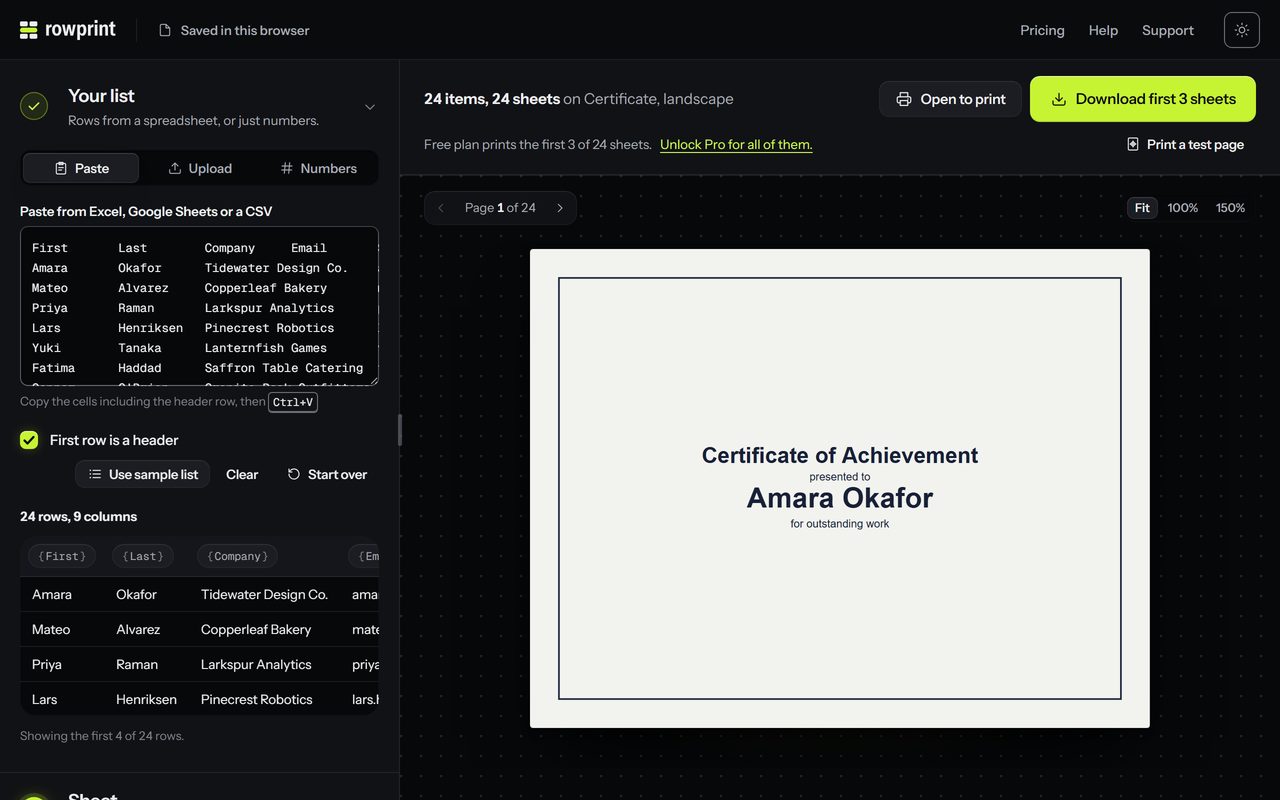
- Put the names in a spreadsheet with a header row. Add a column for anything else that changes from person to person, such as Course, Date or Hours.
- Paste it into Rowprint and pick Certificate, landscape.
- Write the lines: “Certificate of Completion” as the title, {{Name}} largest, then a line such as “for completing {{Course}} on {{Date}} ”.
- Choose the serif font and a border, check a few pages in the preview, then download.
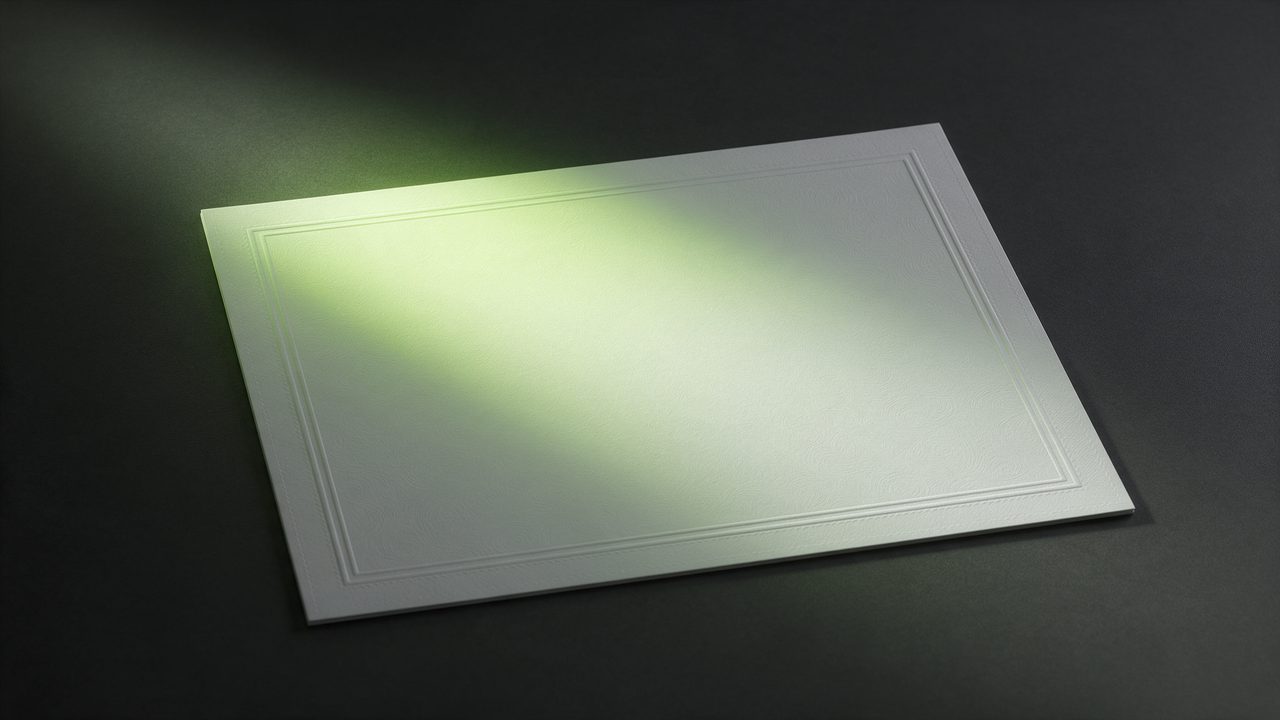
- Print at 100% on card stock or certificate paper.
Tips
- Shrink text to fit keeps a long name on its line, so every page has the same layout.
- Leave a blank line near the bottom for a signature, and sign each one after printing.
- Printing for a class or a team? Sort the list the way you will hand them out before you paste it. Pages print in list order.
- Free PDFs hold 3 certificates. Pro prints the whole list in one PDF.